
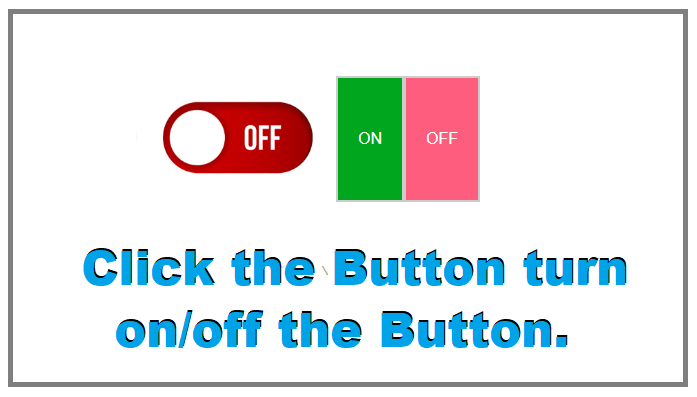
Modern websites focus on interactive and user-friendly UI elements, and one of the most commonly used components is an ON-OFF toggle switch. These switches are widely used for settings like dark mode, notifications, Wi-Fi, or feature enable/disable options.
In this tutorial, you’ll learn how to create a JavaScript onclick ON-OFF switch button using HTML, CSS, and JavaScript step by step. No libraries or frameworks are required—just pure frontend code.
Why Use an ON-OFF Switch Button?
An ON-OFF switch improves user experience by:
Making actions visually clear
Replacing boring checkboxes
Providing instant feedback
Working smoothly on desktop and mobile devices
Using JavaScript, we can easily detect the switch state and perform actions dynamically.
How This JavaScript ON-OFF Switch Works
The onclick event triggers the toggleButton() function
JavaScript adds or removes the active class
CSS handles the animation and color change
Text updates dynamically based on switch state
This approach keeps the code clean, readable, and beginner-friendly.
Real-World Use Cases
You can use this ON-OFF switch for:
Dark mode toggle
Sound ON/OFF
Feature enable/disable
User settings panel
Admin dashboards
You can also connect this switch to APIs, databases, or local Storage for advanced functionality.
Final Thoughts
Creating a JavaScript onclick ON-OFF switch button using HTML, CSS, and JavaScript is simple yet powerful. With minimal code, you can build interactive UI components that enhance user experience and website usability.
This switch design is fully customizable—you can change colors, size, animations, or even add icons based on your project needs.